


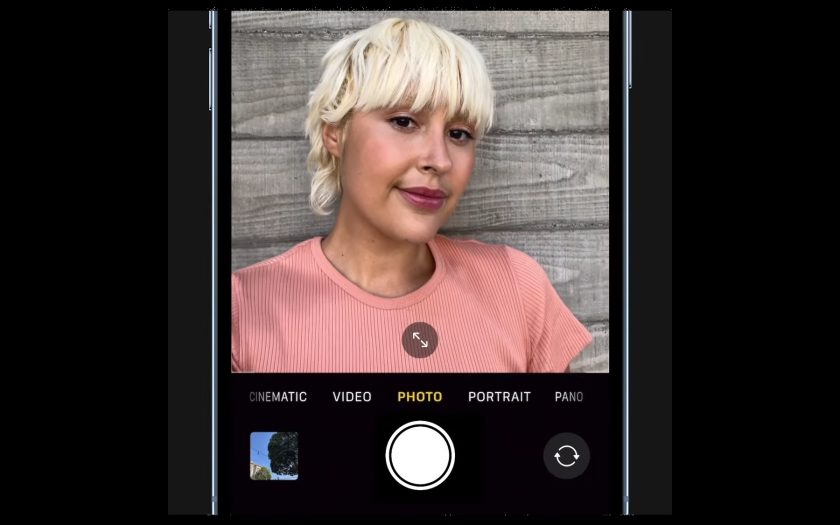
Ever take a selfie with your iPhone, but you end up scratching your head in confusion because it looks drastically different than how you looked on the viewfinder? If you can relate, chances are high that the “Mirror Front Camera” feature is off.
With “Mirror Front Camera” turned on, your selfie will come out exactly how you saw it in the camera preview. This is far from being a best-kept secret, but believe it or not, many people don’t know about this cool little hack that arrived on iOS 14.
How to look better in your iPhone selfies
1. Go to Settings.
2. Scroll down to Camera and tap on it.
How to look good in iPhone selfies (Image credit: Future)
3. Scroll down to Mirror Front Camera and make sure it’s toggled on.
How to look good in iPhone selfies (Image credit: Future)
While you’re there, you can also tap on Photographic Styles and swap to Vibrant for more striking, social-media friendly selfies. Thank me later!
How to look good in iPhone selfies (Image credit: Future)
If your selfies look better, show them off and give us a thumbs up on Twitter (@LaptopMag).
Today’s best Apple iPhone 14 deals


