


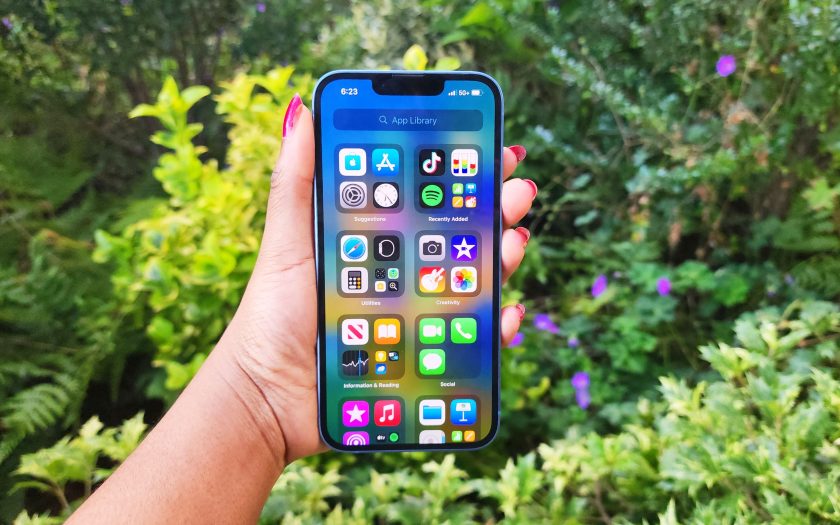
Signing documents digitally can be a pain, but if you know how to sign documents on iPhone you can have it done in a flash with software that is already installed on your phone.
Whether you need to scan the document on your iPhone first, or you are digitally signing a file that was sent to you this process is quick and easy.
(Image credit: Future)How to sign documents on iPhone
1. Open your document in the Photos app.
2. Tap Edit.
3. Tap on the pen-tip icon.
4. Tap on the plus (+) button on the bottom-right corner and select Signature.
5. Use your finger to add your signature and hit Done.
(Image credit: Future)
6. Your John Hancock will appear on the document and you can adjust the size to your liking.
That’s all there is to it, now enjoy all that time you saved.
Today’s best Apple AirPods Pro 2 (2022) deals


