
Description
Tech with Expert sells computers with upgraded configurations. If the computer has modifications (listed above), then the manufacturer box is opened for it to be tested and inspected and to install the upgrades to achieve the specifications as advertised. If no modifications are listed, the item is unopened and untested. Through our in-depth inspection and testing, and defects can be significantly reduced.
If you also see an “Upgrade your edition of Windows” section, be careful not to click the “Go to the Store” link that appears there.
How to switch s mode to windows 10
On your PC running Windows 10 in S mode, open Settings > Update & Security > Activation.
In the Switch to Windows 10 Home or Switch to Windows 10 Pro section, select Go to the Store. (If you also see an “Upgrade your edition of Windows” section, be careful not to click the “Go to the Store” link that appears there.)
On the Switch out of S mode (or similar) page that appears in the Microsoft Store, select the Get button. After you see a confirmation message on the page, you’ll be able to install apps from outside of the Microsoft Store.
Operating system: Windows 10 in S Mode
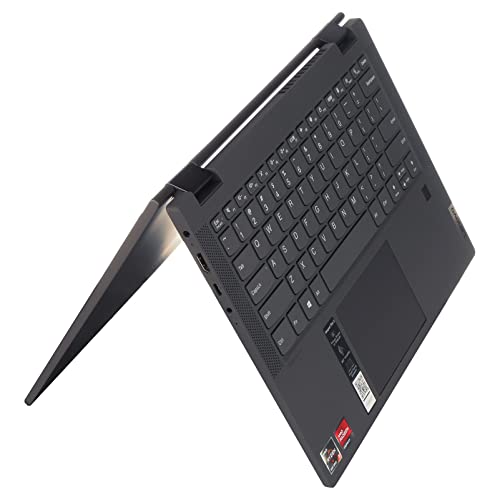
Processor: 2.6 GHz AMD Ryzen 3 5300U Quad-Core
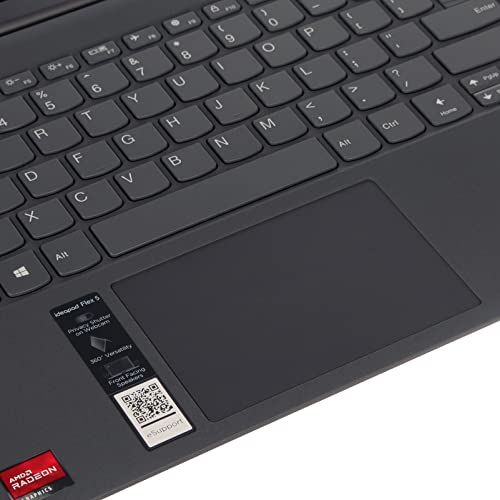
Graphics: AMD Radeon Graphics
Optical Drive: None
Audio: 2 x 2W Speakers with Dolby Audio DAX3
Wireless: 2 x 2 802.11AC Wi-Fi with Bluetooth 5
Webcam: 720P with Privacy Shutter and
Dual array Microphone
Product weight: 3.3 lbs
Color: Graphite Grey
Make sure this fits by entering your model number.
CPU & GPU: AMD Ryzen 3 5300U Processor 2.60 GHz, Max Boost up to 3.80 GHz, 4 Cores, 8 Threads, 4 MB Cache. AMD Radeon Graphics gives you a new level of graphics performance with vibrant, lifelike color and details for internet use, photo/video editing, streaming, and gaming.
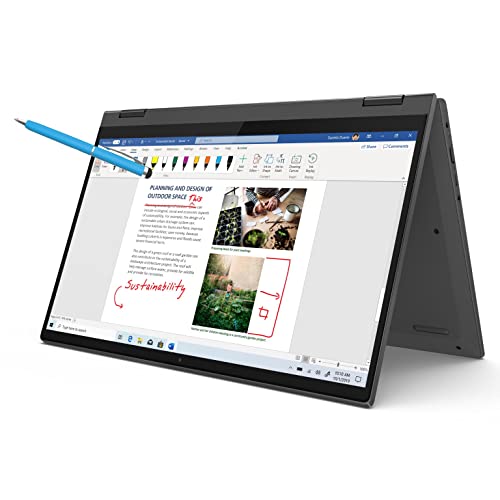
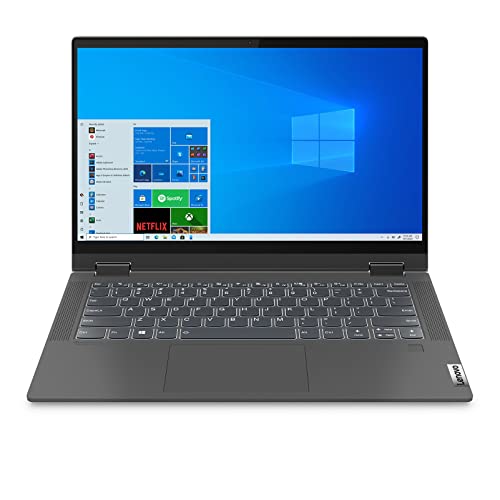
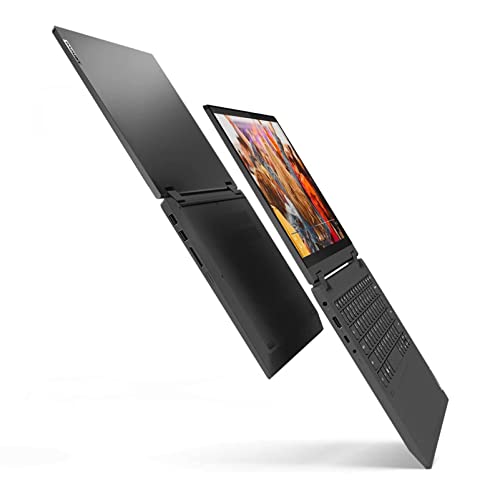
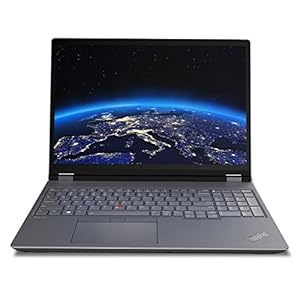
IPS FHD Display: 14″ Full HD (1920×1080) IPS Touchscreen Anti-Glare Narrow Bezel Display. The display delivers a clear image that’s easy on your eye, Watch what you love in all its clarity with detail and saturated colors from edge to edge
Storages: 4 GB DDR4-2666 MHz RAM, provide reasonable bandwidth to smoothly run your games and photo and video-editing applications, as well as multiple programs and browser tabs all at once. PCIe NVMe M.2 SSD provides massive storage space for huge files, so that you can store important digital data and work your way through it with ease. Enhance the overall performance of the laptop for business, student, daily usage.
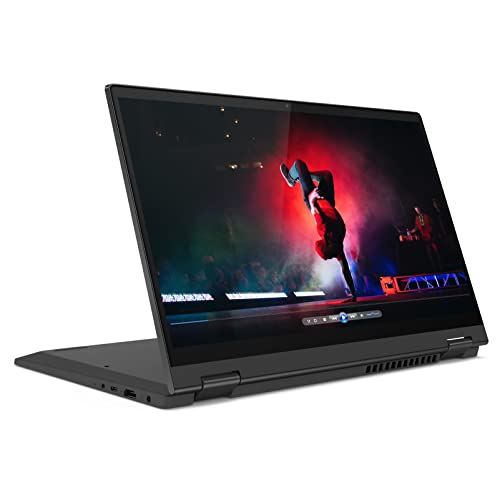
Ports:1 USB 3.1 Gen 1 Type-C (Data Transfer Only, 5 Gb/s signaling rate); 2 USB 3.1 Gen 1 Type-A (Data Transfer Only); 1 AC smart pin; 1 HDMI 1.4b; 1 headphone/microphone combo; 1 multi-format SD media card reader
Windows 10 in S mode is designed for security and performance, exclusively running apps from the Microsoft Store. If you want to install an app that isn’t available in the Microsoft Store, you’ll need to switch out of S mode. Switching out of S mode is one-way. If you make the switch, you won’t be able to go back to Windows 10 in S mode. There’s no charge to switch out of S mode.


Reviews
There are no reviews yet.